Stiva 1.2.0: the queue stays a queue
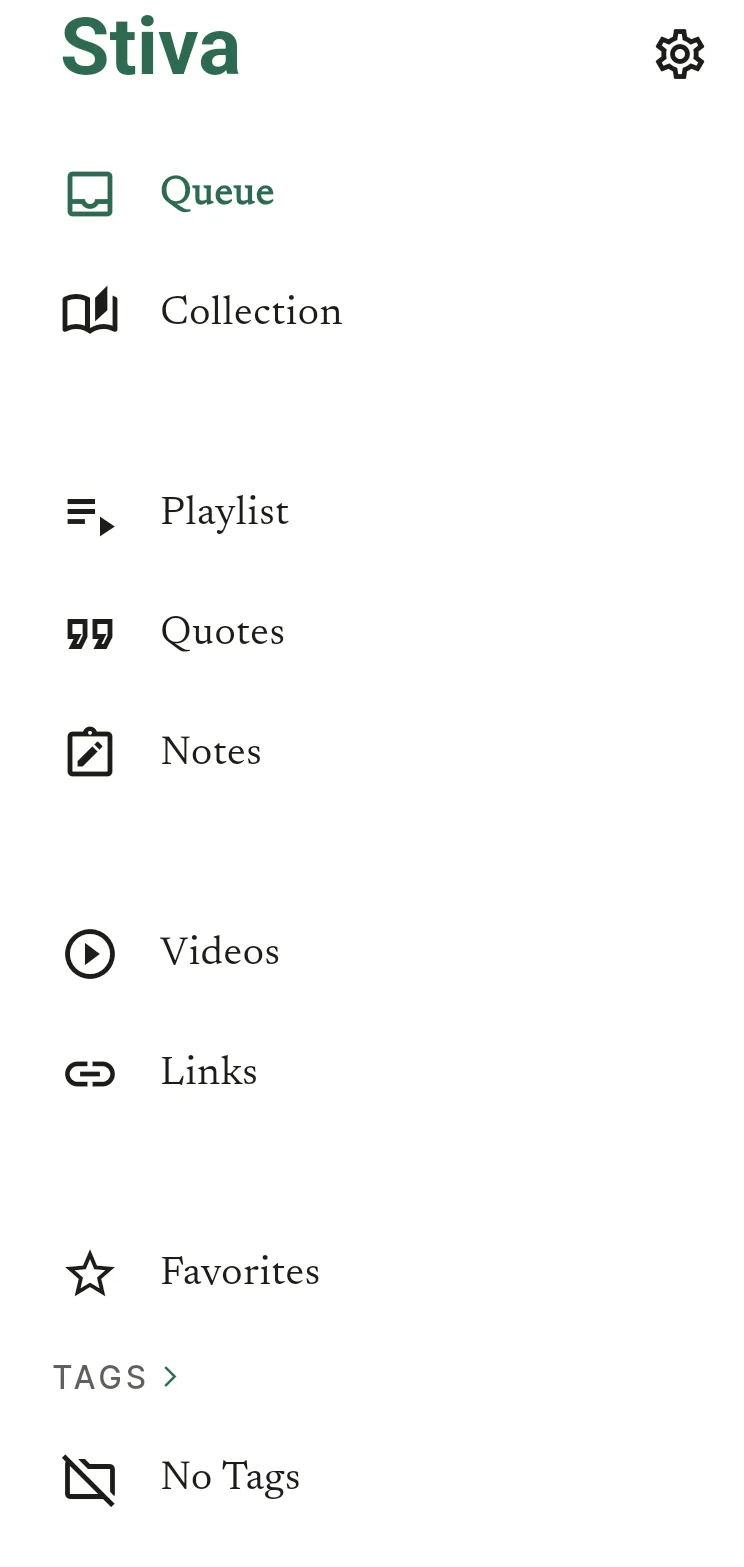
Stiva 1.2.0 is out. It splits your library in two: a Queue for what you haven't read, a Collection for what you have.
Stiva ships in cycles. The first public version came out with a deliberately narrow flow: save an article, read it, and not much structure around that. Each release since has been building that structure out, in the direction of the roadmap I have for Stiva. 1.2.0 is the one that settles how the library itself is organised.
There's also a reading-speed control for the text-to-speech, a quicker search, and the usual round of fixes.
The queue stays a queue
A read-later app is really two piles that keep getting mixed together: what you haven't read yet, and what you already have. In one list, the second pile grows until the first is hard to see. You open the app to find something to read and scroll past everything you've already finished.
So 1.2.0 separates them. What you save goes into the Queue. When you finish an article, reading it to the end or listening to it through, Stiva moves it into the Collection on its own.
Stiva tells you the first time it happens, so you know the mechanic exists, and after that it stays out of the way.
The Queue is now only what its name says: the reads waiting for you.
Videos and links move out of the article list too, into their own place in the menu. Reading is what the app is for right now, in a phase where everything competes for your attention at once. Links and videos are worth saving, and I want to do more with them later, but for this release they step aside so the reading list stays a reading list.
Why it isn't called an archive
I avoided the word on purpose. Archive sounds closed: you put something in, shut the drawer, and never open it again. The Collection is meant to be the opposite, a place your reading builds up and that you have reasons to come back to. I have ideas for what it turns into over the next few releases, but they're not ready to show yet.
That's also why the actions still read mark as read and mark as unread, not "archive" and "restore". You're saying what you did with the article. The Queue and the Collection are just where it sits afterwards.
Set the reading speed
Text-to-speech now has a speed control, from 0.75x to 2x, right next to the play button. Your choice carries from one article to the next, and into the playlist.
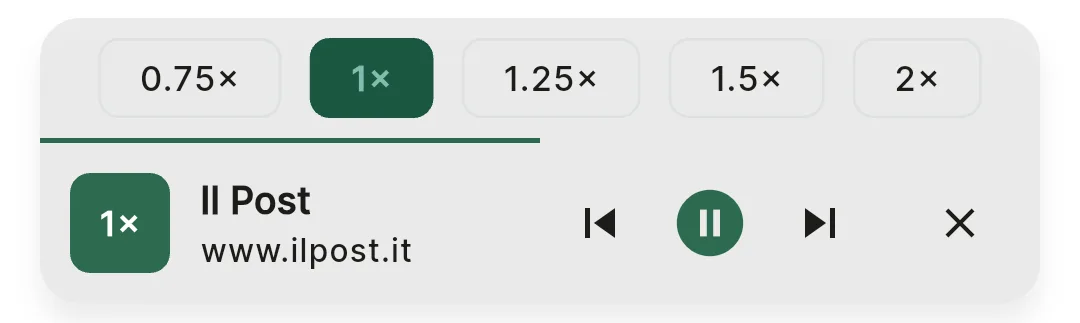
I rarely slow it down myself, it's usually normal speed or faster, but the slow end is there for the pieces where normal is too fast to follow.
Search, closer to hand
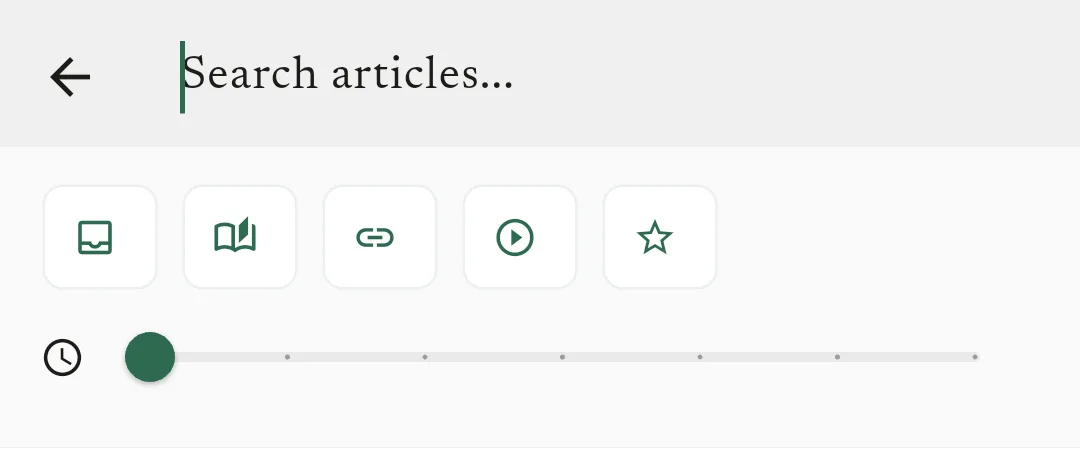
The premium search page is quicker to reach and quicker to use. The filters are out in the open now instead of tucked behind a menu: search inside the Queue, the Collection, videos or links, and narrow down to favourites, a tag, or a reading time.
Fixes
Wide cover images used to be cropped at the sides; now they're shown in full. And there's another round of fixes to how reading progress is saved, the same area as last release, a few cases that still slipped through.
As always
Updating from 1.1 moves every article you've already read into the Collection, so the split is there the first time you open the app. If something lands in the wrong place, or a section shows you things it shouldn't, tell me. That's the part I can't see from here.