Stiva 1.4.0: tags where you read
Stiva 1.4.0 is out. The theme this time is tags. Tagging is faster than it was, and you can do it at the moment you save an article.
Tag from the browser, too
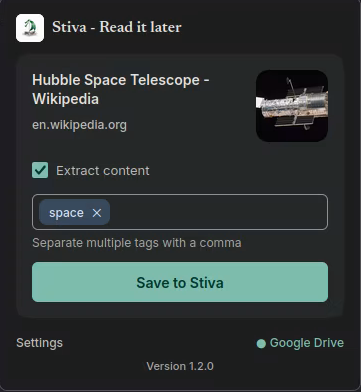
The companion extensions for Chrome and Firefox now let you add tags while you save an article. That's the moment you know why you're keeping something, so it's the right moment to say what it's about.
Tagging is easier in the app
Adding and removing tags is simpler, and you can do it from more places in the app.
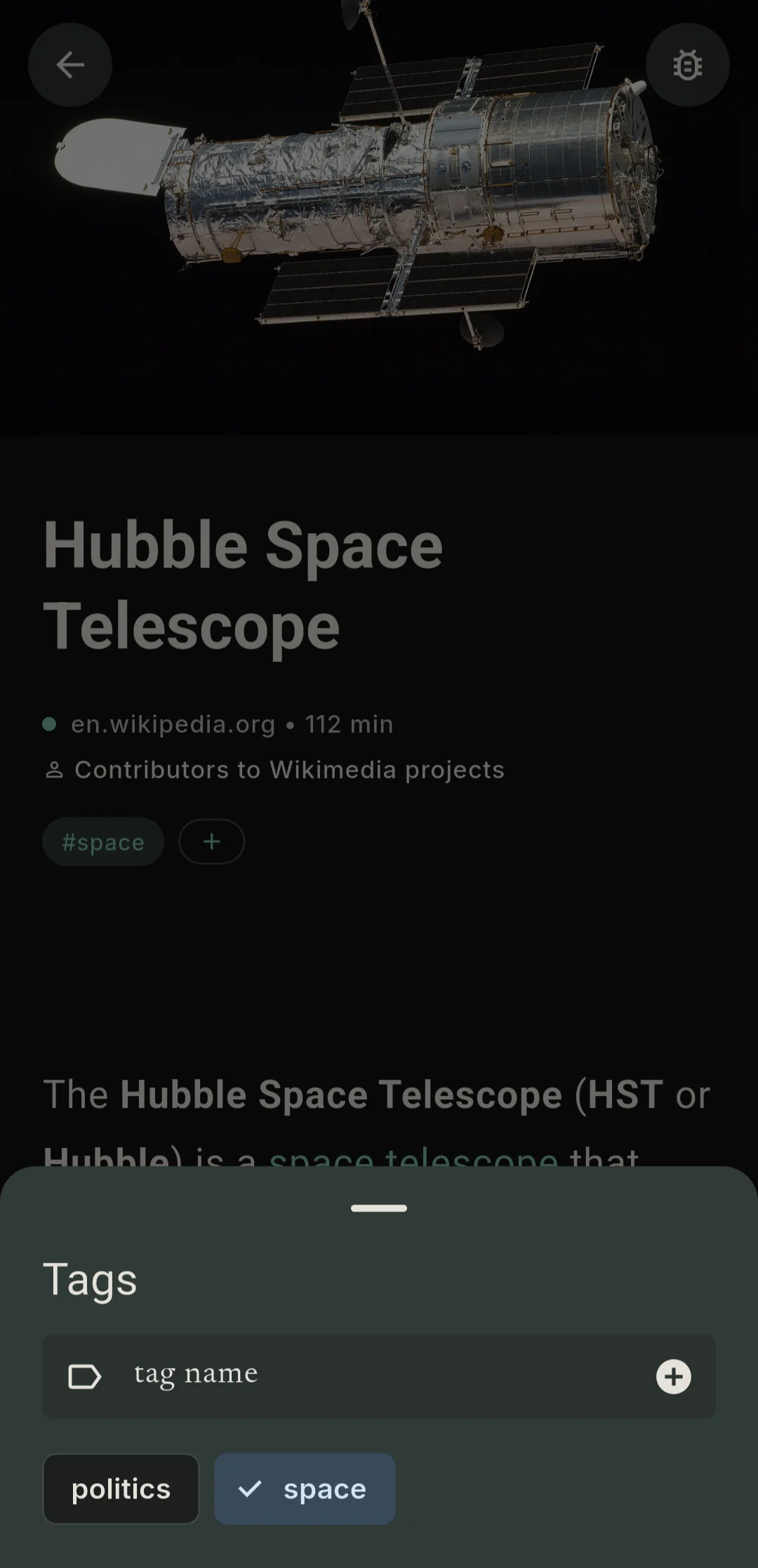
Long-press an article to select it, then select more. With several selected, you can change their tags together.
This is for the pile that builds up when you save in a hurry, or when you come back from a week away with a list full of things you bookmarked on the way.
Sync, your call
Articles saved from the extension reach the app through sync. In 1.4.0 you choose how that happens: automatically, on the schedule the app checks for new articles, or only when you ask. Either way, a swipe down on the list starts a sync straight away.
The Collection, in reading order
The Collection now puts the last article you finished at the top. I think that's the sensible default (thanks to the person who suggested it), since the article you've just finished is the one you're most likely to come back to. The Queue and the Collection each remember their own sort order, and you can still change either one.
Smaller things
- Deleting an article from the list no longer scrolls the view back to the top (thanks for the feedback you sent us).
- Images the app can't display no longer stop an article from opening.
- "Update content" recognizes YouTube videos and moves them to Videos.
- You can delete an article from its reader page too.
- Pressing a media button on your headphones, in the car or over Bluetooth while nothing is playing no longer makes Android close the app.
- A few missing translations are filled in.
As always
If something about tags, sync or the Collection order doesn't behave the way you'd expect, tell me. Those are the parts I can't see from here.